Insights
Training
On-demand



We discuss the basics of copyrighting video, explain how to correctly upload to YouTube, how to use video libraries, and much more

According to Facebook, video can hold our attention five times longer than a static image. Using videos on platforms such as YouTube and Instagram can help spread your story, educate viewers and fundraise.
But you can’t just use any great clip you find online. If you don’t have the right permission to use it, you’re committing a legal offense.
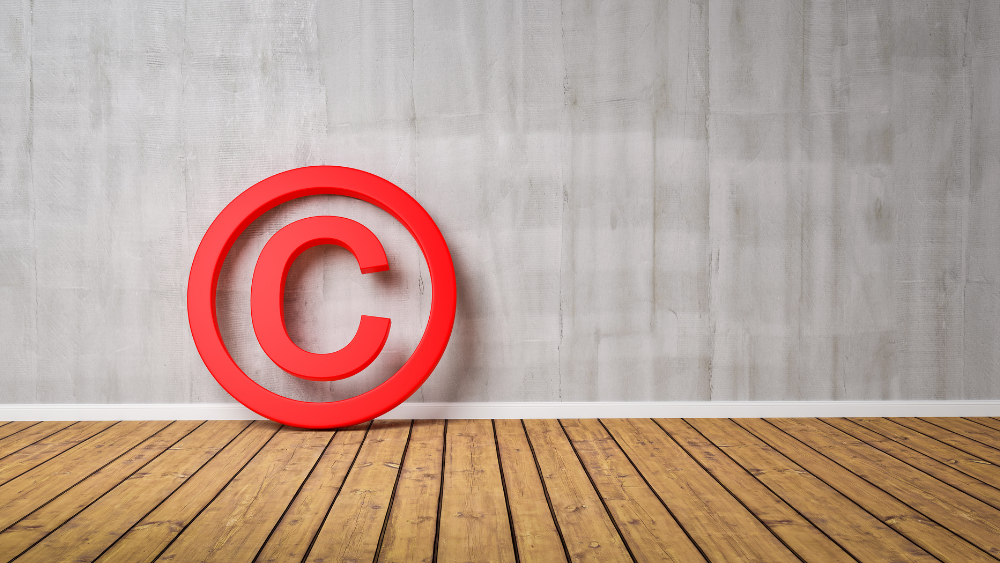
Copyright law (note the word ‘law’) applies to all kinds of intellectual property – including literature, music, photography, as well as film.
Whoever creates the work (of whatever format) doesn’t need to apply or register for copyright, they automatically own the rights to it. It’s a way of protecting the work, making sure it can’t be reproduced or copied without permission.
And a video doesn’t have to have a copyright symbol or be directly accredited to someone to show its copyrighted. So if you find a video clip, and it’s not credited to anyone, you can’t just help yourself.
In the UK, copyright legislation comes under the Copyright, Designs and Patents Act 1988.
If you use a video without the permission of the person who owns the copyright, you’re committing copyright infringement. That runs the risk of costing you time and money, as well as reputational damage.
If you’ve found some film you want to use, then you’ll need to get permission from whoever owns the copyright.
If you want to use a video, or a clip of a video, you first need to find out who holds the copyright. Most often, this will be the person who created it. (Exceptions can include if someone has created a video on behalf of an organisation they’re working for).
With 500 hours of video uploaded to YouTube every minute, it’s a good place to look for content. YouTube make it clear, however, that they can’t grant the rights to use content uploaded to the platform or help you find out who owns it.
You’ll need to track down the owner yourself, and that can often be done by using the contact information in the creator’s channel. But be aware, the person who uploaded the video might not be the creator or the owner of the copyright. You may have to dig a little deeper to find the right person or organisation.
In addition, if the video you want to use features sections of other copyrighted videos or snippets of music tracks (no matter how short the sections may be) you’ll need to clear copyright for those too.
A licence will spell out the exact terms upon which you’re allowed to use the video. Licences include:
Follow-up questions for CAI
How can charities ensure legal use of copyrighted videos in marketing?What steps are needed to obtain a video copyright licence?How does YouTube handle copyright infringement on uploaded videos?What are the benefits of using royalty-free video libraries for nonprofits?How can Creative Commons licences affect video usage permissions?
The bottom line is if you don’t have permission to use a video, don’t. Even if you include an attribution or credit line. As YouTube puts it: “Creators should only upload videos that they have made or that they’re authorised to use.”
If you do upload a video that you don’t have permission to use, the copyright owner can tell YouTube, who will then remove or block the video. YouTube takes copyright infringement seriously. Three copyright infringement warnings and your account will be suspended.
Using a library is a straightforward way to make sure you’ve got the right copyright clearance to use a video. Many work on a subscription basis and the big libraries, such as iStock and Getty Images, have millions of videos to choose from, many of which are royalty free. (Remember that royalty free doesn’t mean it’s free to use – but after you’ve used it once, you can use it again).
Most have customer support available to help you decide what copyright clearance you’ll need. And if you need background music or sound effects for a YouTube video, YouTube’s Audio Library has music that’s free to use.
You could also try Promo, which allows you create video content for platforms including Facebook, Instagram and YouTube. As well as being a simple editing tool, it gives you access to over 100 million photos and videos through its partnership with Getty Images and iStock.
Once paid for and downloaded, “your video comes with a lifetime license for unlimited download and publishing online”. It runs on a subscription model and offers reduced rates for not-for-profits – you just need to get in touch with the in-app customer support team to arrange a suitable package.



Our courses aim, in just three hours, to enhance soft skills and hard skills, boost your knowledge of finance and artificial intelligence, and supercharge your digital capabilities. Check out some of the incredible options by clicking here.

© 2022 Charity Digital Trust. All rights reserved