Insights
Training
On-demand



We provide important tips to improve the accessibility of your digital offerings, including advice on alt text, colour contrast, and clear and concise writing


 How to make your digital platforms more accessible The best ways to make your digital platforms more accessible How you can make your digital platforms more accessible
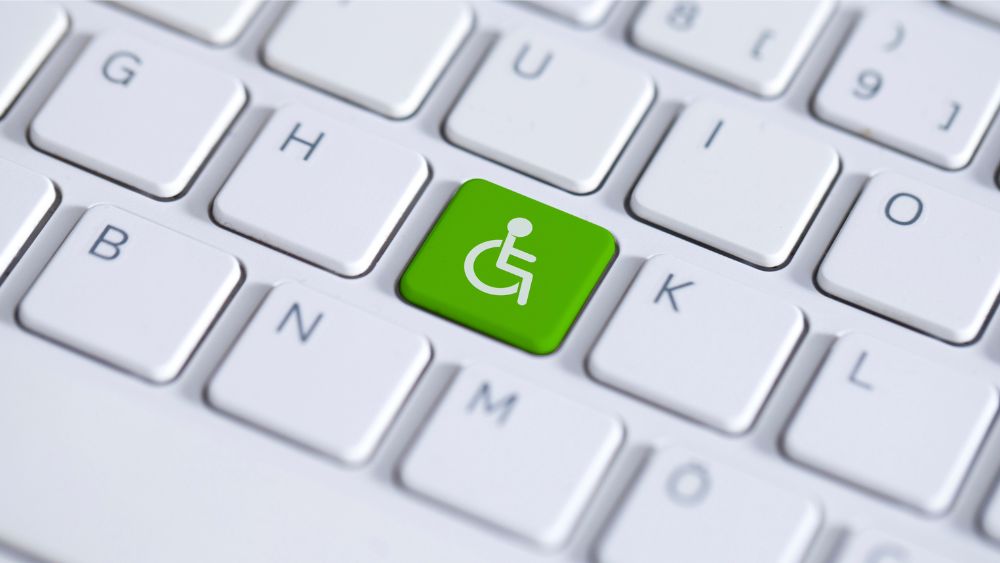
It’s Global Accessibility Awareness Day on 15 May 2025 – getting people talking, thinking, and learning about digital access and inclusion. Below we explore eight simple ways to make your digital platforms more accessible.
Digital accessibility is about making website and digital services that can be accessed and used by everyone, including disabled people.
Worldwide, an estimated 1.3 billion people experience significant disability. In the UK alone, around 16.1 million people are considered disabled – that’s approximately 24% of the population.
Designing digital platforms with accessibility at their core helps everyone. Accessible websites are generally easier to use and promote inclusivity.
Also, anyone can experience temporary or situational effects, such as having a short-term hand injury, recovering from eye surgery, or being unable to hear well if near a busy road.
While there are many aspects to making your platforms accessible, here are eight simple steps to get started.
These should be your first port of call. The Web Content Accessibility Guidelines (WCAG) explain how to make content more accessible.
If your website doesn’t meet these standards, large numbers of people will be excluded from accessing your services or supporting your organisation.
The guidelines have been developed by the World Wide Web Consortium (W3C) and you can also read our overview of the WCAG.
This means checking that all the interactive elements on your site (such as navigation menus or forms) can be operated using a keyboard, rather than a mouse or touchpad.
This is critical for people who rely solely on their keyboard – for example, people who are physically disabled, or who tremor or have arthritis. AccessiBe shares information on how to improve your website’s keyboard navigation.
This is the main way for people with visual impairments to understand the images on your website or social posts. It’s also the text that is displayed if an image doesn’t load. We share tips on how to write effective alt text, such as keeping it short and focusing on what matters to your audience. Scope for Business also has some helpful tips to make your alt text work well.
Without enough contrast between the text and background of your website, parts could be hard to read for people with visual impairments.
Understanding Accessibility recommends using a colour contrast checker, not using too many colours in any one section of a website and making sure any information that is essential to navigating the site has good colour contrast.
There are lots of free colour contrast checkers, such as the WebAIM contrast checker.
Use plain English for any content, breaking it up into manageable chunks. Writing in this way reduces on-screen clutter making it easier for the user to focus. This is helpful for everyone, and particularly for those with cognitive impairments.
GOV.UK’s content writing guidance recommends writing for a maximum reading age of nine years. This will make your content more accessible to a wider audience. There are lots of readability checkers available, including the Hemingway app, which is free.
Using captions or subtitles are a crucial way to make your content accessible. As well as enabling people who are deaf or who have a hearing impairment to understand the content, 92% of people watch video with the sound off.
Transcripts are also helpful as they can be read and digested at the user’s own pace. Take a look at Scope’s guide to subtitles, captions and transcripts or our hints to making video content accessible.
Hyperlinks are the clickable text that take you to another location on the web or to a document. The text needs to tell people where they’re going if they click on it.
Best practice includes keeping hyperlink text concise, while also being specific enough for the user to know where they’re going. For example, never use ‘Click here’ or ‘Find out more’ without an explanation. Instead of ‘Read more’ use ‘Read our annual report 2024/25’.
The font you use can have a massive effect on someone’s ability to read and understand your content. Recite Me explains how very elaborate or ornate fonts can be difficult to read and see clearly. They suggest avoiding serif fonts (which include a decorative line, such as Times New Roman) as these can distract from the overall shape of the letter and blur on screen. Instead, they recommend simpler fonts, such as Arial or Calibri. Take a look at Recite Me’s best fonts for accessibility.
Our 2025 Reimagining Service Delivery Summit unlocked new perspectives on service delivery and how charities can maximise value to service users. Click here to watch the session recordings for free.
Our Reimagining Services Hub features regular articles, podcasts, and webinars to support charities in delivering services. Click here to learn more.
Follow-up questions for CAI
How can WCAG guidelines improve digital platform accessibility effectively?What methods ensure keyboard navigation works for all users?How does using alt text enhance image accessibility for visually impaired?Which colour contrast techniques best support readability on websites?What font choices optimize readability for users with cognitive impairments?
Our courses aim, in just three hours, to enhance soft skills and hard skills, boost your knowledge of finance and artificial intelligence, and supercharge your digital capabilities. Check out some of the incredible options by clicking here.

© 2022 Charity Digital Trust. All rights reserved