
Insights
Training
On-demand



You are viewing 1 of your 2 free articles
Accessible websites promote inclusivity and are generally easier to use for everyone. Using clear fonts and effective colour contrast are two ways to boost your website’s accessibility


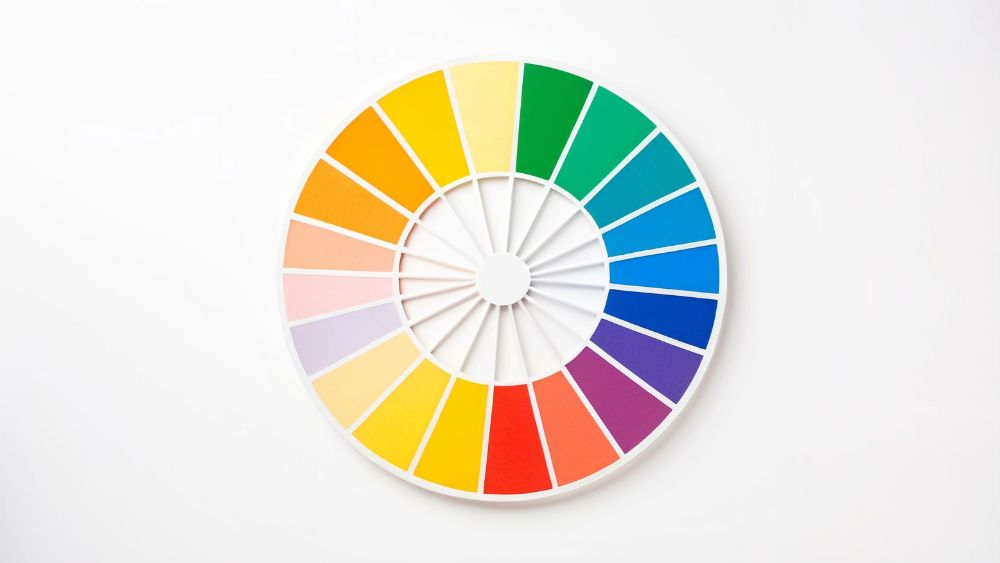 How to pick the best colours for your websiteHow to pick the best fonts for your websitePick the best fonts and colours for your website
More than two million people are living with sight loss in the UK. As well as those who are registered as sight impaired, that includes people waiting for surgery whose visual impairment might be temporary.
An accessible website, with effective colour contrast and accessible fonts, means even more people can access your services, support your charity, or volunteer for your organisation.
And designing an accessible website helps everyone. Read our article about other ways to make your website more accessible.
Colour contrast is the difference in brightness between two colours. Low contrast happens when two colours are difficult to tell apart. High contrast happens when two colours are very different. The colour contrast is written as a ratio.
Without enough contrast between the text and background of your website, parts could be hard or impossible to read, especially for people with visual impairments.
And low contrast can also make text difficult to read for people who have colour vision deficiency (are colour blind) – in the UK that’s one in 12 men and one in 200 women.
The Web Content Accessibility Guidelines (WCAG) are standards to improve web accessibility. There are three levels of compliance, and it’s recommended that charities focus on reaching Level AA of the guidelines. The guidelines state that the ideal colour contrast ratio is 7:1 for normal text and 4.5:1 for large text.
A colour contrast checker will show if your colours meet WCAG requirements. There are lots of colour contrast checkers, such as the WebAIM contrast checker, which are easy and free to use. They can test if there is enough contrast between your text and background colours and suggest where changes need to be made.
Other colour contrast tips include:
The font you use can have a huge effect on someone’s ability to read and understand your content. Some fonts are much easier to read than others, some can be inaccessible for people with a visual impairment, and others are harder to read for people with dyslexia (around 10% of the UK population).
ReciteMe explains how very elaborate or ornate fonts can be difficult to read and see clearly. They suggest avoiding serif fonts (which include a decorative line, such as Times New Roman) as these can distract from the overall shape of the letter and blur when read on screen. Similarly, fonts that look like handwriting can be difficult to decipher and messy, especially if read on a mobile.
Instead, they recommend simpler san serif fonts (fonts without a decorative line). Generally, it recommends using fonts that have clear letter shapes and a consistent weight (having an even thickness for each letter makes it less strenuous on the eyes). ReciteMe’s top ten accessible fonts include:
Other tips to make your copy accessible are:
Follow-up questions for CAI
How does colour contrast ratio impact website accessibility for visually impaired users?What are the benefits of using sans serif fonts for online readability?How can colour contrast checkers improve compliance with WCAG guidelines?Why is left-aligned text preferred for enhancing website readability?How do accessible fonts support users with dyslexia on digital platforms?

Our courses aim, in just three hours, to enhance soft skills and hard skills, boost your knowledge of finance and artificial intelligence, and supercharge your digital capabilities. Check out some of the incredible options by clicking here.

© 2022 Charity Digital Trust. All rights reserved